Choose exact content
Export the current answer, current Q&A, selected messages, or the full conversation.
Use an AI Chat Exporter to select the messages you need, capture long conversations, and create clean Word, PDF, Markdown, or TXT documents—without copying and rebuilding them by hand.
Built for useful output
Choose exactly what to include and create a structured file that is ready to edit, share, or archive.
Export the current answer, current Q&A, selected messages, or the full conversation.
Collect long conversations progressively with visible progress and cancellation controls.
Create Word, Markdown, TXT, and direct PDF exports from one focused workspace.
Choose Clean, Report, or Compact Word formatting without changing the original content.
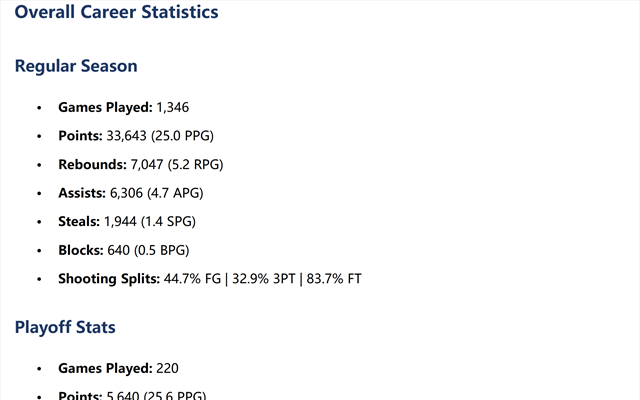
Preserve supported headings, images, tables, links, citations, code, and lists.
Core formats are generated locally. Cloud PDF uses temporary rendering and includes a local System Print fallback.
How it works
Open the conversation you want to export on a supported AI website.
Select a scope, individual messages, document format, and Word style.
Review the structured result and save it to your device.
Product tour
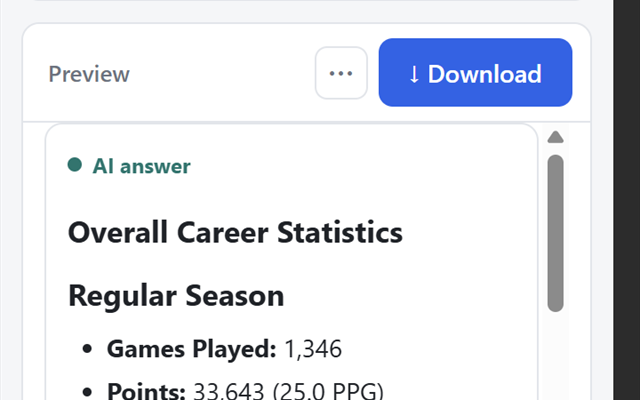
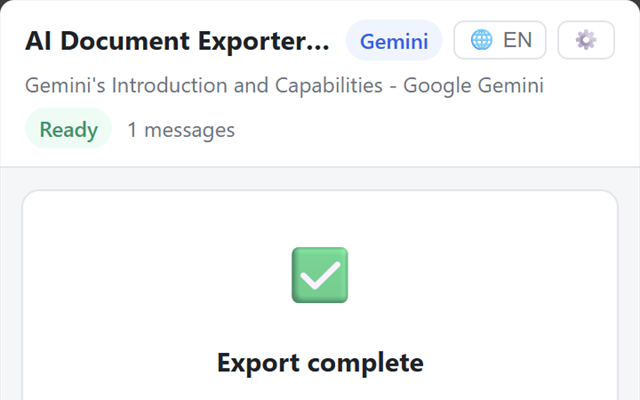
Content selection, document settings, preview, and download stay together in a simple side panel.
Privacy by design
Word, Markdown, and TXT remain on your device. When you explicitly choose cloud PDF, only the selected export content is processed temporarily by the secure Cloudflare rendering service and is not retained by Chat to Office.
Read the Privacy PolicyPlans
Install the extension for free. Upgrade from a billing-enabled extension version when you need unlimited exports and every format.
For occasional document exports.
For frequent exports and complete conversations.
Secure billing by Creem. Pro subscriptions are processed by Creem as merchant of record and renew automatically for the selected monthly or annual period until canceled. Checkout is initiated inside a billing-enabled version of Chat to Office.
Questions
Yes. Chat to Office is available from the Chrome Web Store. You can start with the Free plan; supported billing-enabled versions also offer Pro upgrades.
Word, Markdown, and TXT are processed locally. If you explicitly choose cloud PDF, only the selected export content is temporarily sent over HTTPS to the secure Cloudflare rendering service. Chat to Office does not retain it, and System Print remains available as a local fallback.
Use the subscription-management option associated with your Creem purchase. Cancellation stops future renewal charges while access continues through the applicable paid period.
No. Chat to Office is an independent browser extension and is not endorsed by or affiliated with the third-party AI services it supports.
Email support@surveykit.cc for product, compatibility, privacy, or billing questions. We aim to respond within three business days.
Install Chat to Office from the Chrome Web Store and start with the Free plan.